USB Type-C Is a Connector, Not a Speed
Overview
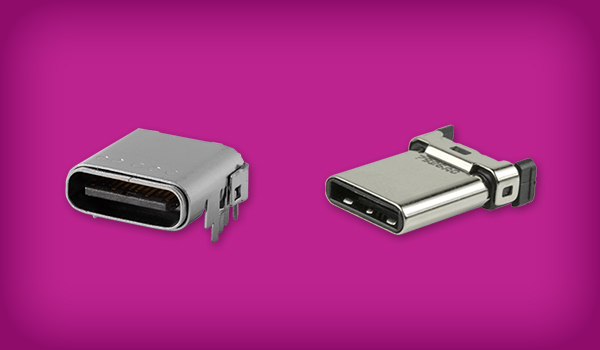
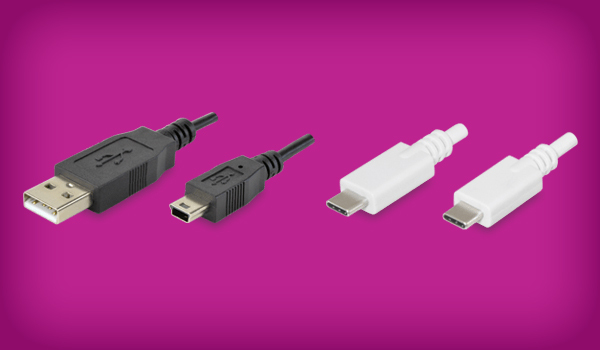
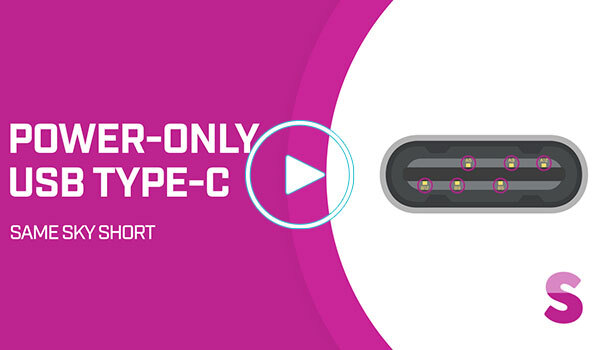
USB Type-C connectors may look the same, but they don’t all support the same data speeds or charging capabilities. In this video, we break down the differences between the USB-C connector, USB data protocols, and USB Power Delivery, explaining why USB Type-C doesn’t automatically mean high-speed data transfer. We also explore why USB 2.0 remains a practical engineering choice, introduce power-only USB Type-C connectors for applications that don’t need data communication, and walk through key design considerations to help you select the right USB-C implementation. Search Same Sky's USB Type-C connectors.
What you'll learn:
- Key differences between the USB Type-C connector, USB data protocols, and USB Power Delivery
- Why USB-C ports can look identical but support different data speeds and charging capabilities
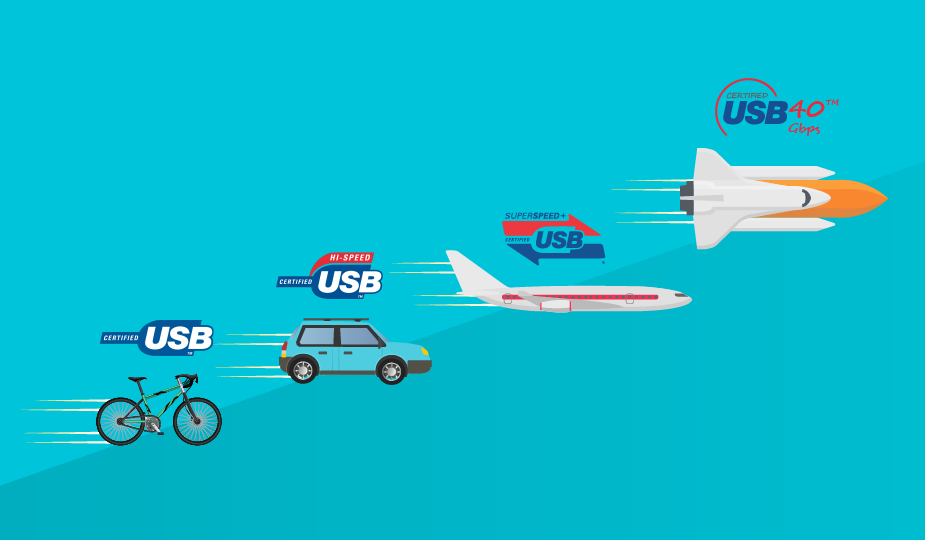
- How USB 2.0, USB 3.2, and USB4 fit into USB Type C designs
- Why USB 2.0 can simplify PCB layout, reduce cost, and meet the needs of many embedded applications
- When to use power-only USB Type-C connectors for products that need power without data transfer
- Important power design considerations, including current and voltage ratings, configuration channel behavior, cable compatibility, and USB Power Delivery negotiation
- How to select a USB-C connector based on bandwidth, power requirements, mounting style, and operating environment